Rifle
Automatic all-rounder. Use short bursts and sights when the target is farther away.
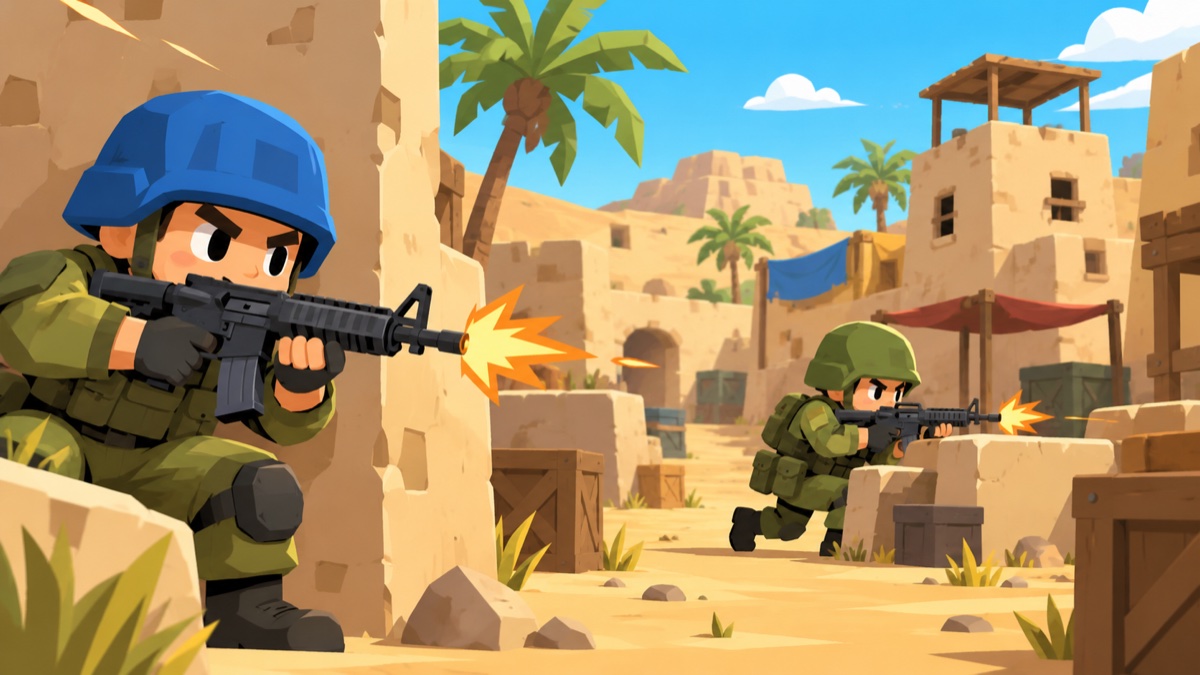
Pick your loadout. Use cover. Keep moving.
Changing your loadout during a match queues it for your next wave or spawn, depending on the mode. Check the message on the loadout screen.
Clear every enemy to advance. Waves become harder, and every fifth wave brings a boss. Every two waves, choose an upgrade with the mouse or its displayed number key. Collect supplies and build a loadout that can handle both crowds and tougher targets.
In co-op, everyone fights the same enemies. A fallen player returns at the next wave if a teammate survives. More players bring a larger enemy force.
Everyone is an enemy. Reach 25 kills first, or lead when the 10-minute clock ends. You respawn after dying; the server rotates to the next match automatically.
Host a game and share its code. Compete to reach 20 kills, or finish ahead when the host’s chosen time runs out. Players respawn during the match.
This mode is currently marked as a work in progress. You and allied bots fight another team, with respawns. The current rules are four per side, first to 50 kills or the lead after 10 minutes.
Join lists game servers and their current map and player count. Host Game creates a browser-hosted game for friends; keep the host’s tab open. Nearby players usually get the best connection. VPNs and some network settings can prevent joining.
Trackpad mode uses Shift to aim and a double tap of W to sprint. The in-game help reflects your grenade binding and shows controller controls when controller support is enabled.
Pair a weapon for your preferred range with a backup for the fights it handles poorly. Weapon damage differs between Waves and competitive modes, so these cards describe their jobs rather than promising a fixed number of hits.
Automatic all-rounder. Use short bursts and sights when the target is farther away.
Semi-automatic precision rifle with eight rounds. Settle before firing and make each shot count.
Fast automatic fire for close fights. Keep a longer-range option in your other slot.
Several pellets per shot. Close the distance; spread makes long shots less effective.
A powerful precision option. Use the sights, a clear lane, and cover between shots.
A compact, deliberate backup. Aim carefully rather than relying on a stream of bullets.
Explosive projectiles for clustered targets. Leave room for the blast; nearby explosions can hurt you.
A timed explosive. Throw it behind cover or into a group, then stay clear of the blast.
Creates smoke instead of dealing damage. Use it to interrupt sightlines while crossing or repositioning.
Explodes on impact. Useful when you need a quick burst rather than a timed fuse.
Solo wave checkpoints let you start later once unlocked. Skipping ahead is useful for practice, but those runs are not ranked. Sign in if you want to submit eligible runs to the leaderboard.
No download or account needed. Use a desktop or laptop with a mouse and a current browser. Settings includes graphics, sound, and input options.